📺 IPTV Smarters Pro Configuration Guide
Step-by-step setup using Xtream Codes API or M3U Playlist
Step 1 – Download IPTV Smarters Pro
🔑 Setup Using Xtream Codes API
Recommended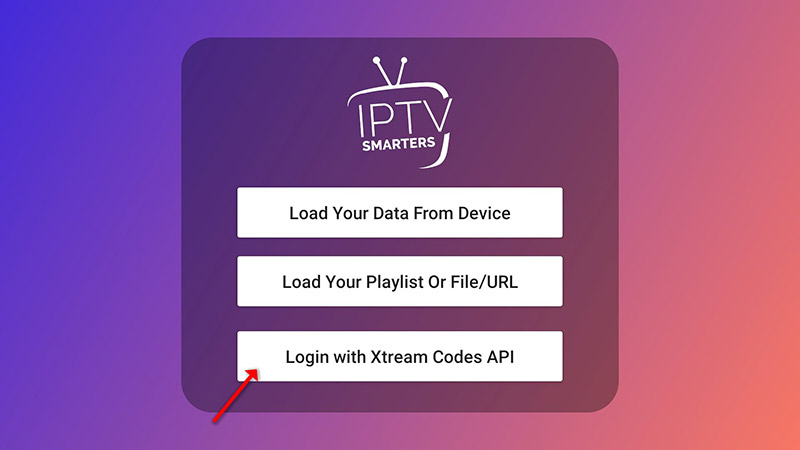
Open IPTV Smarters Pro and click Add User, then choose Login with Xtream Codes API.
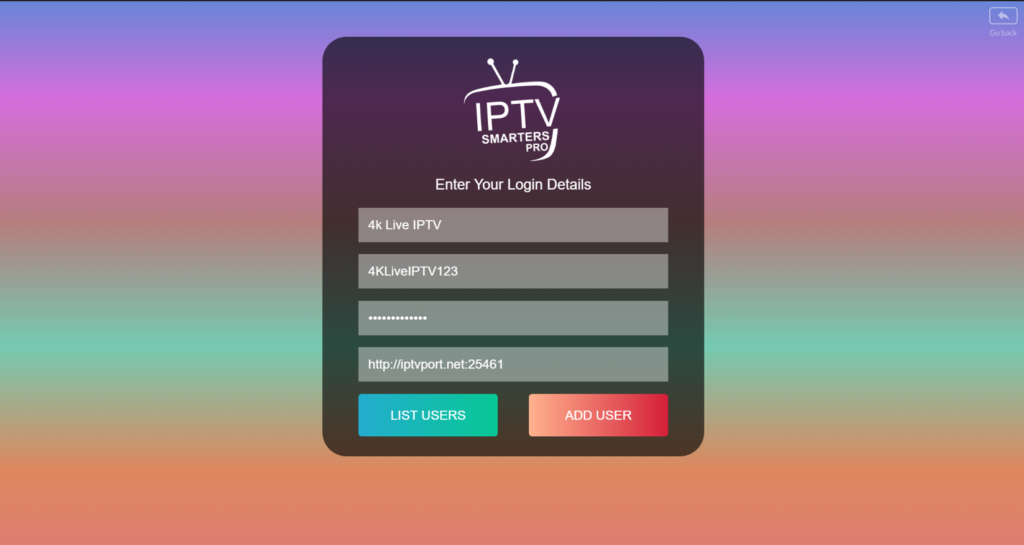
Enter your Profile Name, Username, Password and Server URL provided by your IPTV service. Click Add User.
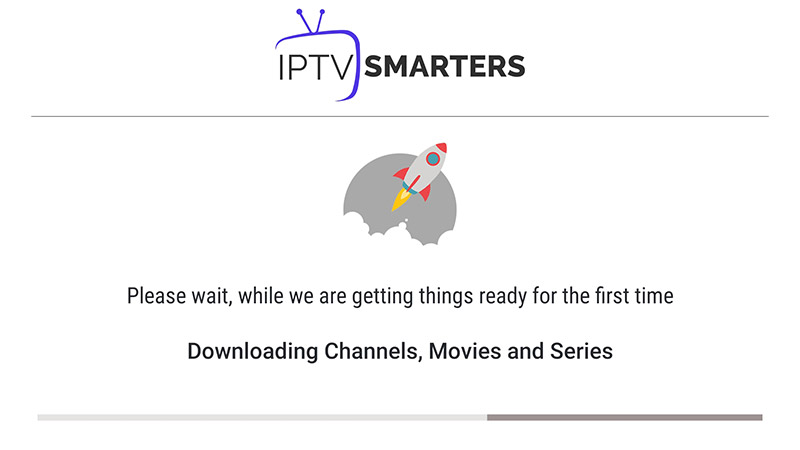
Wait while IPTV Smarters Pro loads Live TV, Movies and Series.
📂 Setup Using M3U Playlist
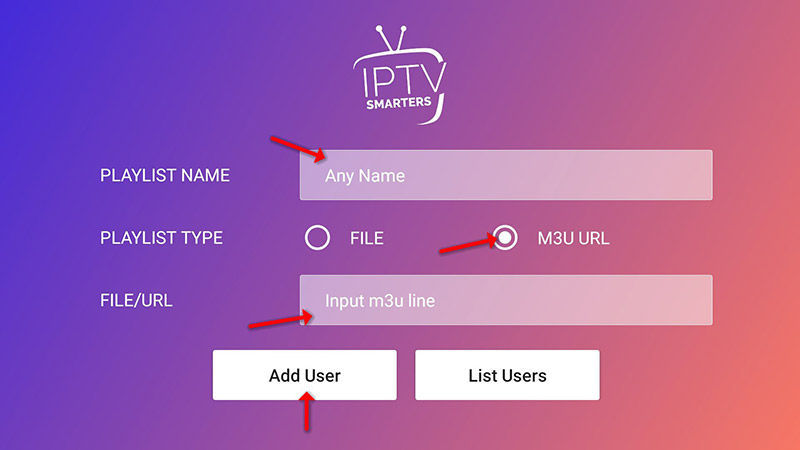
Select Add User → Login with Playlist → choose M3U URL.
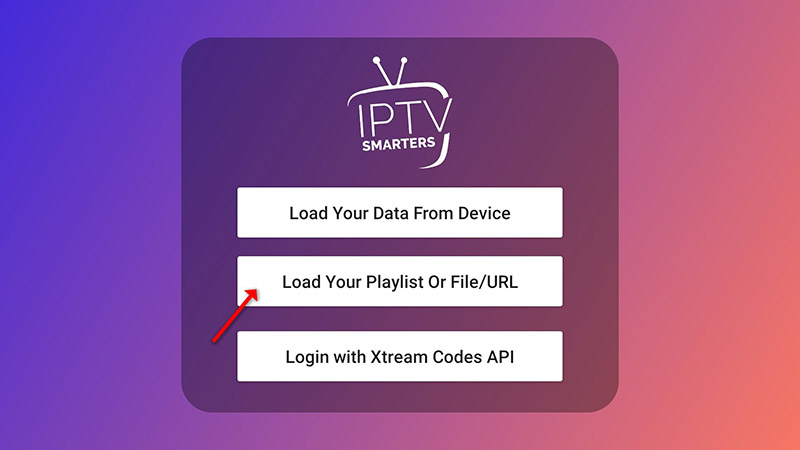
Paste your M3U URL, give the profile a name and click Add User.