IPTV How to Work in Firestick: The 2025 Guide for 8K Player VIP
The Amazon Firestick remains a top choice for users looking to access IPTV services in 2025. Its ease of use and portability make it ideal for IPTV streaming, allowing you to watch thousands of IPTV channels, movies, and on-demand content.
This guide will walk you through the precise steps to get IPTV to work on your Firestick using the popular 8K Player VIP application and the indispensable Downloader app. We’ll even give you the exact 8K Player VIP Downloader code.
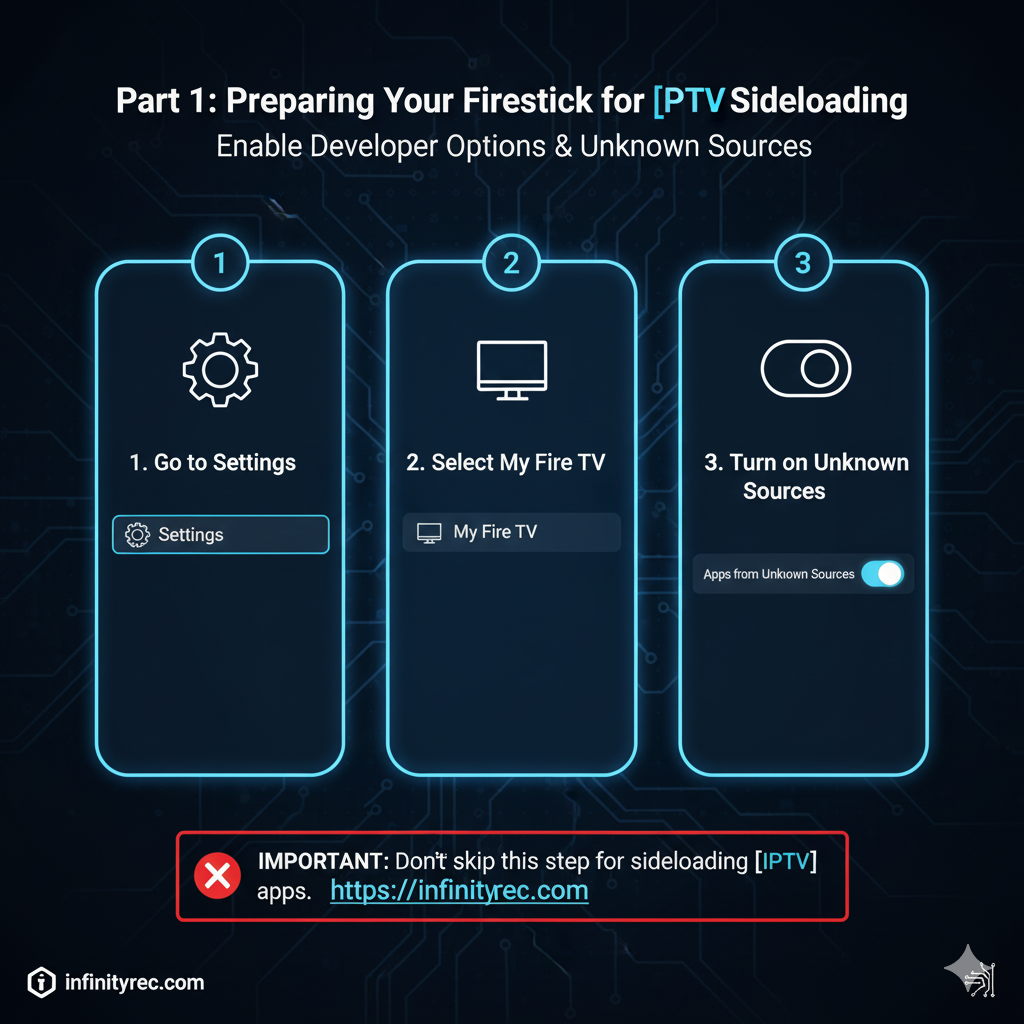
Part 1: Preparing Your Firestick for IPTV Sideloading
Before you can install any third-party IPTV app like 8K Player VIP, you need to enable a critical setting on your Firestick. This step is fundamental for any IPTV setup.
From your Firestick’s home screen, navigate to Settings (the gear icon).
Select My Fire TV.
Choose Developer Options. (If you don’t see this, go to About -> Fire TV Stick and click it 7 times to enable it).
Toggle ON « Apps from Unknown Sources ». If you see « Install unknown apps, » click it and ensure it’s enabled for the Downloader app once it’s installed.
A warning will appear. Read it, then click Turn On.
This ensures your Firestick is ready for IPTV applications.
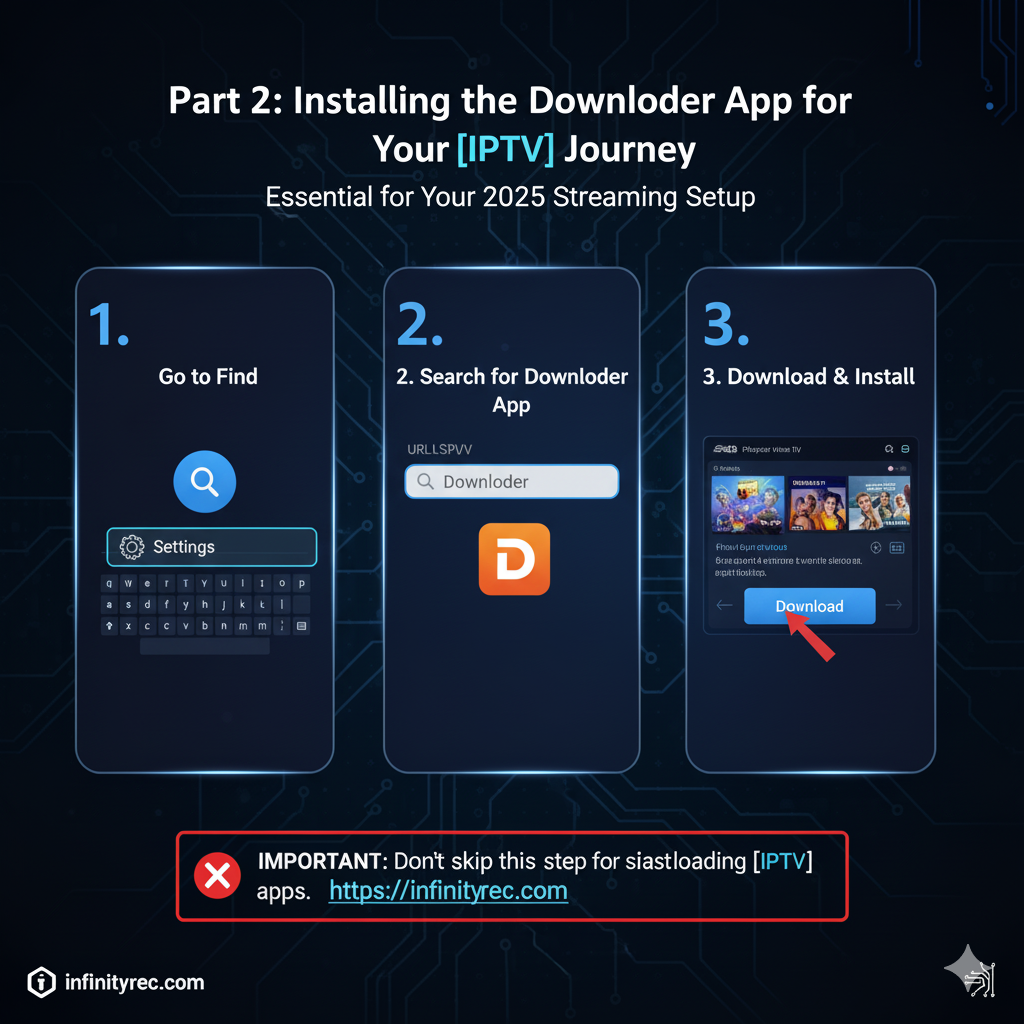
Part 2: Installing the Downloader App for Your IPTV Journey
The Downloader app is your gateway to installing apps not found in the official Amazon Appstore, making it essential for any IPTV for Firestick installation.
Go back to the Firestick Home Screen.
Select Find (the magnifying glass icon).
Begin typing « Downloader » into the search bar.
Select the Downloader app from the results (it has an orange icon).
Click Download or Get to install it.
This app is vital for managing your IPTV subscription on Firestick.
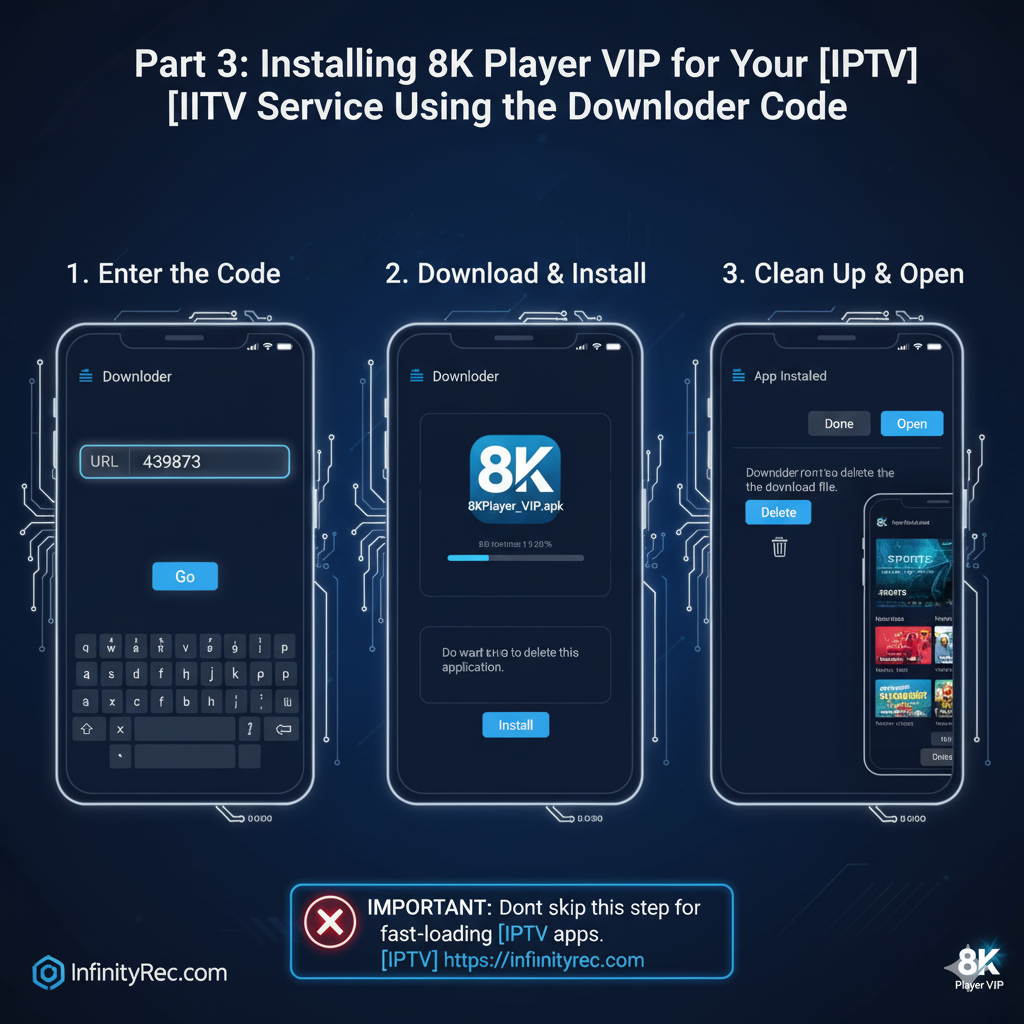
Part 3: Installing 8K Player VIP for Your IPTV Service Using the Downloader Code
Now, we’ll use the Downloader app to fetch and install the 8K Player VIP application, an excellent choice for IPTV streaming. This is how you access your IPTV channels.
Open the Downloader app.
If a « Quick Start Guide » appears, simply click OK.
You will see a large URL bar on the Downloader home screen. Click on it.
A keyboard will appear. Carefully type in the exact 8K Player VIP Downloader code:
439873
Click Go.
The IPTV app will begin downloading. Once complete, the installation screen will pop up automatically.
Click Install.
After you see « App Installed, » click Done (do NOT click Open yet).
Downloader will then ask if you want to delete the download file (the APK). Click Delete and then Delete again to free up space on your Firestick.
You’ve just completed the core IPTV installation on your device.
Part 4: Logging In to Your IPTV Service on 8K Player VIP
With 8K Player VIP installed, the final step is to activate your IPTV subscription by logging in. This is where you connect to your IPTV provider’s content.
Go back to your Firestick home screen.
Navigate to the « Your Apps & Channels » section.
Find and open the newly installed 8K Player VIP app (it might be at the end of the list).
The app will prompt you for your login details. This typically includes a username, password, and a server URL (or M3U link), all provided by your IPTV provider.
Carefully enter your credentials.
Click Log In.
Congratulations! Your IPTV on Firestick setup is now complete. You can now enjoy high-quality IPTV streaming, including 4K IPTV content and a comprehensive IPTV EPG, making it one of the best IPTV experiences in 2025.
For more guides and insights on streaming and web services, visit infinityrec.com.
InfinityRec is a premium IPTV service that offers hundreds of live TV channels, as well as a wide selection of movies, TV series, and on-demand content. With an intuitive interface and multi-device compatibility, InfinityRec allows you to enjoy your favorite shows anytime, anywhere.